Manage, publish and edit photos with your digital camera
Photo management programs are ten for a penny these days, as software developers wise up to the fact that the rise of digital photography means that folk now have more pictures on their hands than in the days of scrapbooks and flip-albums. Sorting through your pictures is far from an easy task, but applications such as PhotoMeister help to lighten the load. While many of its rivals excel in image editing and optimization, this app concentrates on helping you keep your snaps organized before sharing them with the world.
Top Recommended Alternative

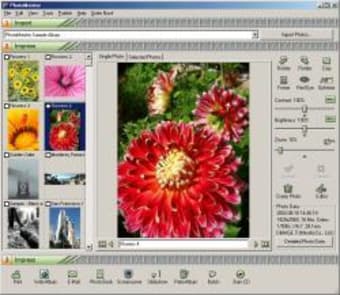
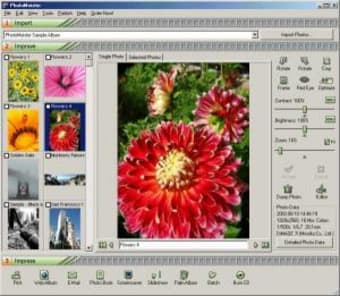
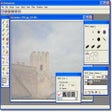
The principal feature of the utility is its ability to import photos from any source (either on your PC or direct from your camera) and sort them into albums. Things are made easier thanks to the inclusion of an Import Wizard, making it great for those taking their first steps in digital photography. However, this method can get a little annoying after a while, and seasoned users are likely to be left dreaming of drag-and-drop capabilities, which are notably absent from PhotoMeister.
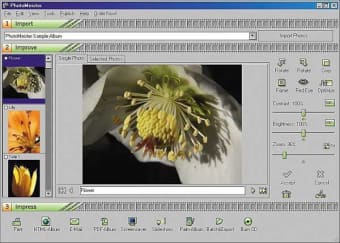
If you’re the type of person who likes to bore everyone with your holiday photos then PhotoMeister opens up a world of possibilities. The tools under the ‘Impress’ menu give you a plethora of options for sharing images, allowing you to insert them into web pages, slideshows, email, photo books, screensavers, PDA albums or burn to CD. Although the quality of the web album templates isn’t great, it provides a very quick way of sharing your latest escapades with everyone, with no technical knowledge required.
Image editing is not PhotoMeister’s strong point, and it’s lacking in the kind of advanced manipulation features you’d find in Photoshop Album or Paint Shop Pro Album. Having said this, it contains a neat one click optimization function, which auto adjusts the picture to make it as pleasing on the eye as possible. There’s also a batch conversion mode to help you speed up the process of applying a change to multiple images.
If you’re looking for something to help you manage and share your pictures more easily, Photomeister is great, especially if you’re new to computing. Just remember, that you’ll need an external image editor alongside it to get the best out of your digital pictures.